The whole business,
in one live ledger
Inventory, sales, purchase, finance and HR — built for rice mills, cold storage, traders and distributors. Every sale and purchase posts to the books automatically.
Running on registers, parchis and Excel
It works — until it doesn’t. These are the four that cost the most.
The register never matches the godown
Stock is counted by hand and the numbers drift apart every week.
Receivables quietly pile up
Credit (udhaar) sales live on parchis and you find out too late who owes what.
No visibility across branches
You phone each branch to learn today’s sales, stock and cash.
The books are rebuilt every month
Your accountant reconstructs the manual khata from parchis — and it still doesn’t balance.
Runs your
whole business
Every module posts to the same ledger, so nothing is entered twice and everything reconciles.
From Excel to a live ledger in three steps
We set it up with your data
We import your items, customers and suppliers from Excel and enter your opening balances, so you start on your real numbers.
Your team works as usual
Counter sales on POS, purchase orders, deliveries and returns — the same day-to-day flow, now on one screen.
The books and reports follow
Every transaction posts to the ledger automatically, so stock, receivables and the trial balance are ready whenever you look.
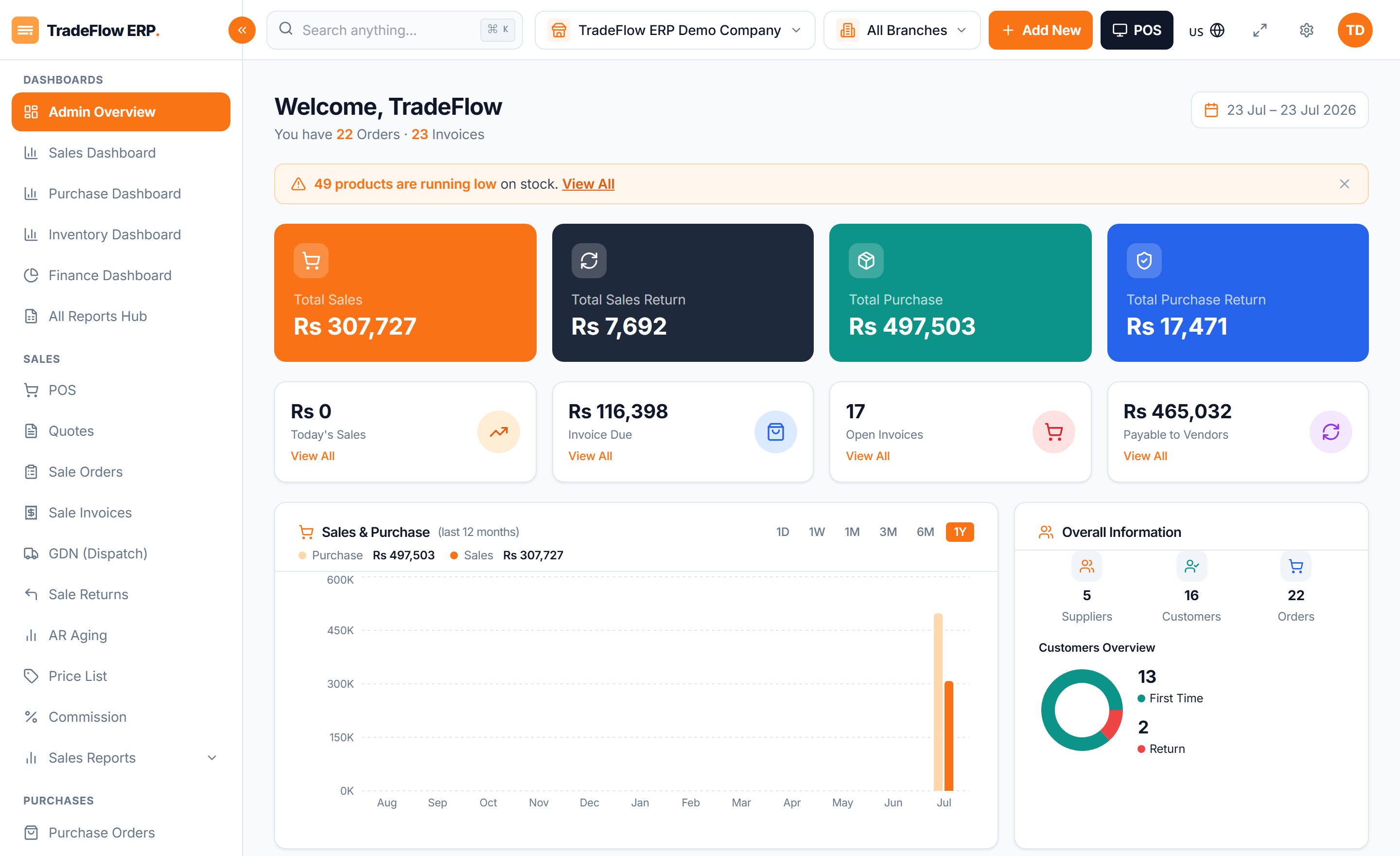
Your whole business, on one screen
Sales, stock, cash and receivables across every branch — live, not last month’s.
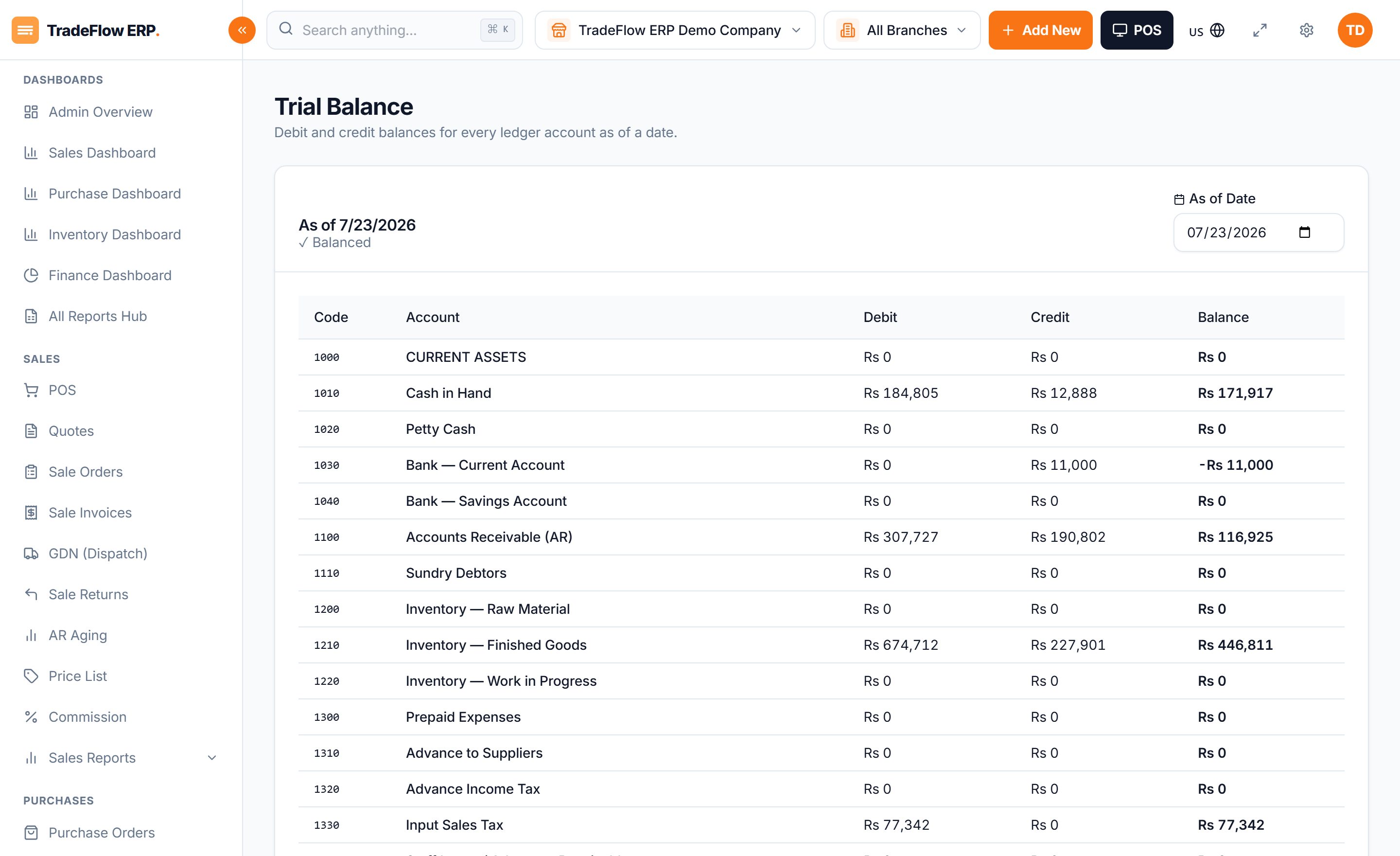
Stock and the ledger, never apart
Purchase, sale, transfer, adjustment — each posts inventory and its accounting entry in the same step.
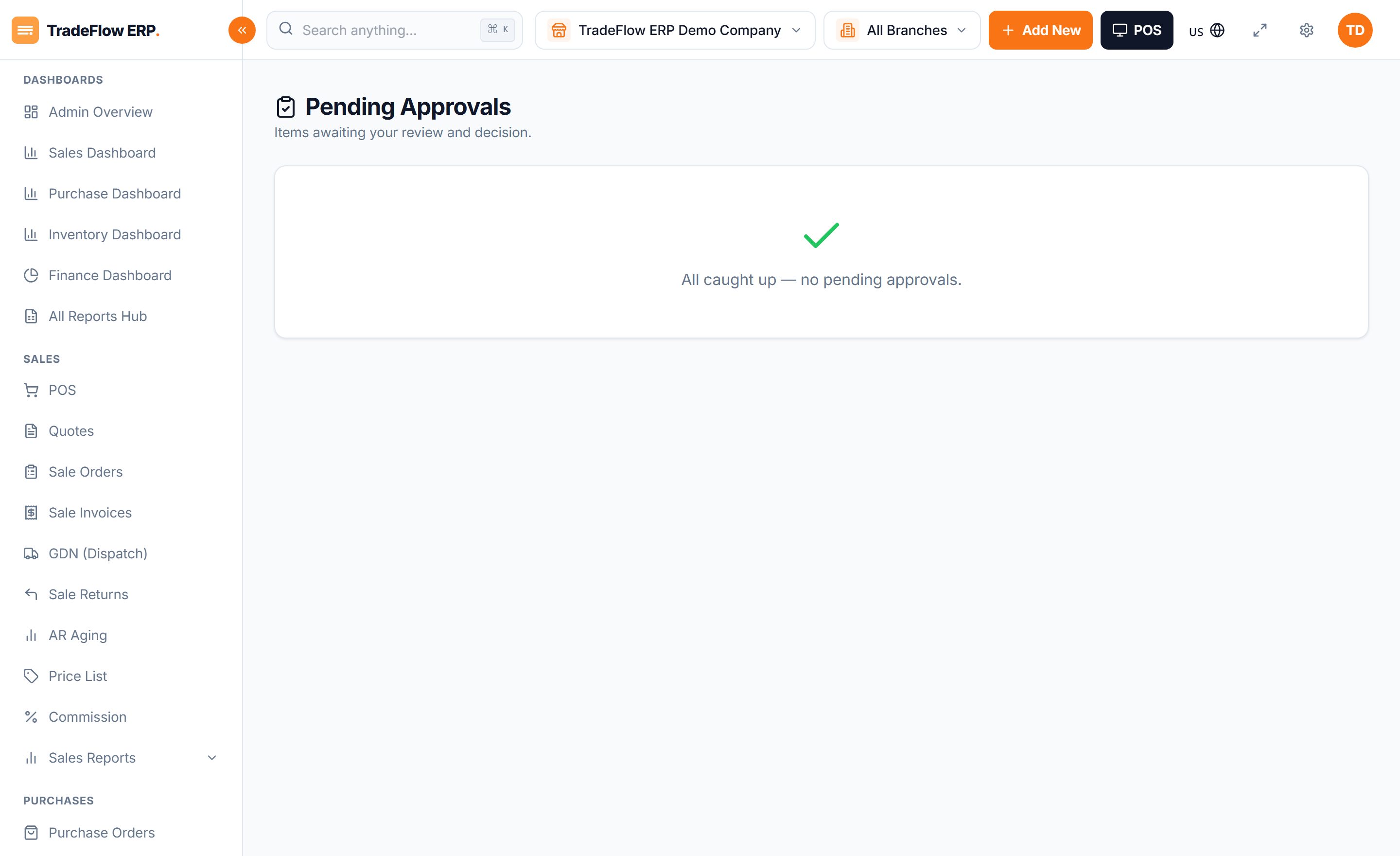
Right people, right access
Role-based permissions per module and per branch, enforced end to end.
One system instead of six registers
Businesses that moved off paper
Mills, cold stores and distributors running a live ledger instead of a stack of parchis.
The register finally matches the godown. I can check every branch from my phone.One live stock view
Udhaar was slowly killing us. Now I know exactly who owes what, every day.Receivables under control
My accountant stopped rebuilding the books from parchis. The trial balance just balances.Books post automatically
Named case studies coming soon. Want to be one? Start here →
One monthly price, no per-transaction fee
Start on the plan that fits today and move up as you grow.
Starter
One shop or godown getting off paper.
- Inventory & multi-warehouse stock
- Sales & POS
- Purchase & suppliers
- Basic finance & accounting
- Core reports
Growth
Growing traders and distributors across branches.
- Everything in Starter
- CRM & party ledger
- HR & payroll
- Returns & credit notes
- Production & assets
Enterprise
Multi-branch groups needing control and scale.
- Everything in Growth
- Advanced security & audit
- Approvals / workflow
- Dedicated onboarding
- Data migration from Excel
Questions we get asked
Is TradeFlow hard to learn for staff who aren’t technical?
No. It’s built for regular counter and office staff — clear screens, in-plain-language labels, and a fast POS. Most teams are comfortable within a day, and we walk you through setup.
Can I move my data from Excel?
Yes. We import your products, customers and suppliers from Excel and help you enter opening balances, so you start with your real numbers, not a blank system.
Does it work on mobile?
Yes — it’s mobile-first. Owners can check sales, stock and cash from their phone, and you can chat with us on WhatsApp anytime.
Can it handle more than one branch or godown?
Yes. Each branch keeps its own data while owners see everything in one live view. You add branches as you grow.
How does the accounting work — do I still need an accountant?
The books post automatically from every sale, purchase and stock move, so your accountant spends time reviewing, not rebuilding the manual khata. Trial balance, P&L and balance sheet are always ready.
What about tax and FBR?
Sales tax, input/output tax and withholding (WHT) are handled on every transaction, with tax reports built in. FBR e-invoicing integration is on our roadmap — ask us about your specific needs.
See your own numbers in a live demo
We’ll set up TradeFlow with your branches, items and chart of accounts, and walk you through a real day of trading — no obligation.